Pro.File PLM/Turnkey PLM/Cre8 Hub Integration Services
Turnkey PLM

Cre8 Hub Integration Services: Pro.File PLM to Epicor Kinetic integration

PLM and ERP, finally in sync. Trigger-driven integration between Pro.File PLM and Epicor Kinetic ERP, parts, multi-level BOMs, document links, and quotes, transferred automatically and fully audited.

Included in TurnkeyAny Pro.File PLM environmentZero-config in Turnkey · configurable everywhere
Demo

See the Cre8 Hub in action.

A guided walkthrough of Cre8 Hub Integration Services: what it does, how your people use it, and the results it delivers.

Want to see it on your own data? Book a live demo with our team.

What it is

The solution, defined.

DEFINITIONCre8 Hub Integration Services is a trigger-driven integration engine that keeps Pro.File PLM and Epicor Kinetic ERP in sync. Parts, revisions, multi-level BOMs, document links, and quotes move automatically the moment engineering releases them, and every transfer is audited.

Engineering lives in PLM; manufacturing, purchasing, and sales live in ERP. Keeping the two aligned usually means re-keying part numbers, rebuilding BOMs by hand, and nursing fragile legacy middleware, and when the systems disagree about what’s current, the shop floor pays for it.

Cre8 Hub fixes the handoff. A configured PLM status change triggers the transfer in the background: parts and revisions upsert through Kinetic’s Engineering Workbench, complete multi-level BOMs follow line by line, PLM quote documents become Kinetic quotes, and ERP records receive DocumentViewer links instead of copied files. Every outcome is visible live and written to the object’s change log in PRO.FILE.

At a glance

Built for
Engineering, manufacturing planning, sales and estimating, ERP administrators, and IT
Works with
Pro.File 10.4 · Epicor Kinetic (v2 REST)
Moves
Parts and revisions, multi-level BOMs, document links, and quotes, with ERP events flowing back
Availability
Included in the Turnkey Subscription · zero-config in Turnkey, configurable everywhere
Benefits

Why teams choose it.

One release in PLM, and ERP is up to date, with proof.

End double entry

Part numbers, revisions, and BOMs are never re-typed into ERP. Release once, and the data flows.

One version of the truth

PLM and ERP agree on what's current, so purchasing and production always work from the released revision.

Faster release to production

Transfers fire automatically on a status change and run in the background, no batch window, no waiting.

Full traceability

Every transfer appears live on the Activity screen and in the object's change log, with ERP IDs.

Self-routing error handling

Failures move the document to a failure status with the reason logged, fix it, reset, and it re-transfers. Retries are always safe.

Retire legacy middleware

A modern, configurable engine replaces BizTalk and ServiceConnect stacks that nobody wants to touch.

Use cases

Where it makes a difference.

Real situations where Cre8 Hub pays for itself.

Engineering → productionEngineering release to manufacturing

On release, parts, revisions, and the full multi-level BOM land in Epicor Kinetic automatically.Result: Production builds from released data

Sales & estimatingQuote to ERP

A PLM quote document becomes a Kinetic quote, header plus a line for every linked part.Result: Quotes in ERP without re-keying

OperationsDocuments on the ERP record

ERP parts and quotes receive DocumentViewer URL attachments that always open the current document.Result: Drawings at hand in Kinetic, never stale

Change managementEngineering change implementation

When a change releases, revised parts and BOMs upsert in ERP through the Engineering Workbench.Result: ERP updated the moment change is approved

ITLegacy integration replacement

Replace aging BizTalk and ServiceConnect integrations with a configurable, audited engine.Result: Lower risk, lower maintenance

Planning & engineeringTwo-way awareness

ERP events flow back to PLM, so engineering sees what happened downstream.Result: Both systems stay informed

Value proposition

Release once in PLM. Kinetic is updated before anyone could re-type it.

Cre8 Hub replaces manual handoffs and brittle middleware with automatic, audited, re-runnable transfers.

Without it

With Cre8 Hub Integration Services

Deployment & manageability

Simple to deploy. Simple to own.

Built for Pro.File in general and molded to your environment through designed configuration parameters, no bespoke code, and nothing your team has to babysit.

Trigger-drivenNever polled, never blocking
Fully auditedActivity screen + change log
IdempotentEvery retry is safe
No custom codeConfigured, not built

Up and running in four steps

1

Install Cre8 Hub in your environment and connect it to Pro.File and the Epicor Kinetic REST API (v2), with the Installation Guide, or by Cre8tive.

2

Choose the triggers, the PLM statuses that send parts, BOMs, and quotes to ERP.

3

Tune the configuration to your data through designed parameters, no custom code. Turnkey environments need little or none.

4

Release and watch. Transfers appear live on the Activity screen as they reach Kinetic.

Easy to manage, day after day

Key capabilities

Under the hood.

The capabilities that make it work.

Trigger-driven, never polled

Transfers fire automatically on a configured PLM status change, run in the background, and never block or delay the user's work.

Parts, BOMs, and quotes

Upsert parts and revisions through Kinetic's Engineering Workbench, transfer complete multi-level BOMs line by line, and build Kinetic quotes from PLM quote documents, header plus a line per linked part.

Audited end to end

Every transfer appears live on the Activity screen and writes its outcome, success or failure, with ERP IDs and document-link changes, to the object's change log in PRO.FILE.

Self-routing outcomes

Document-initiated transfers automatically move the document to a success or failure status, with the failure reason written to its change log, fix, reset the status, and it re-transfers.

Links, not file copies

ERP parts and quotes receive DocumentViewer URL attachments instead of duplicated files, documents stay mastered in PLM and always render current.

Replaces the legacy stack

A modern, configurable engine that retires BizTalk + ServiceConnect integrations, idempotent and re-runnable, so a retry is always safe.

Publications

Dig into the details.

A full documentation set ships with the product. Contact us for evaluation copies. Version 1.5.22 · PRO.FILE 10.4 · Epicor Kinetic (v2 REST)

User GuideHow day-to-day users work with Cre8 Hub
Admin GuideConfiguration and administration reference
Installation GuideDeployment into your environment, step by step
User TutorialHands-on walkthrough for new users
See it live

Ready for a closer look at the Cre8 Hub?

We’ll demo it live against realistic data and map it to your environment.

Resources

Related PLM resources

Video

Watch Pro.File PLM in action and see how it brings your product data, CAD, and ERP together in one place.

Brochure

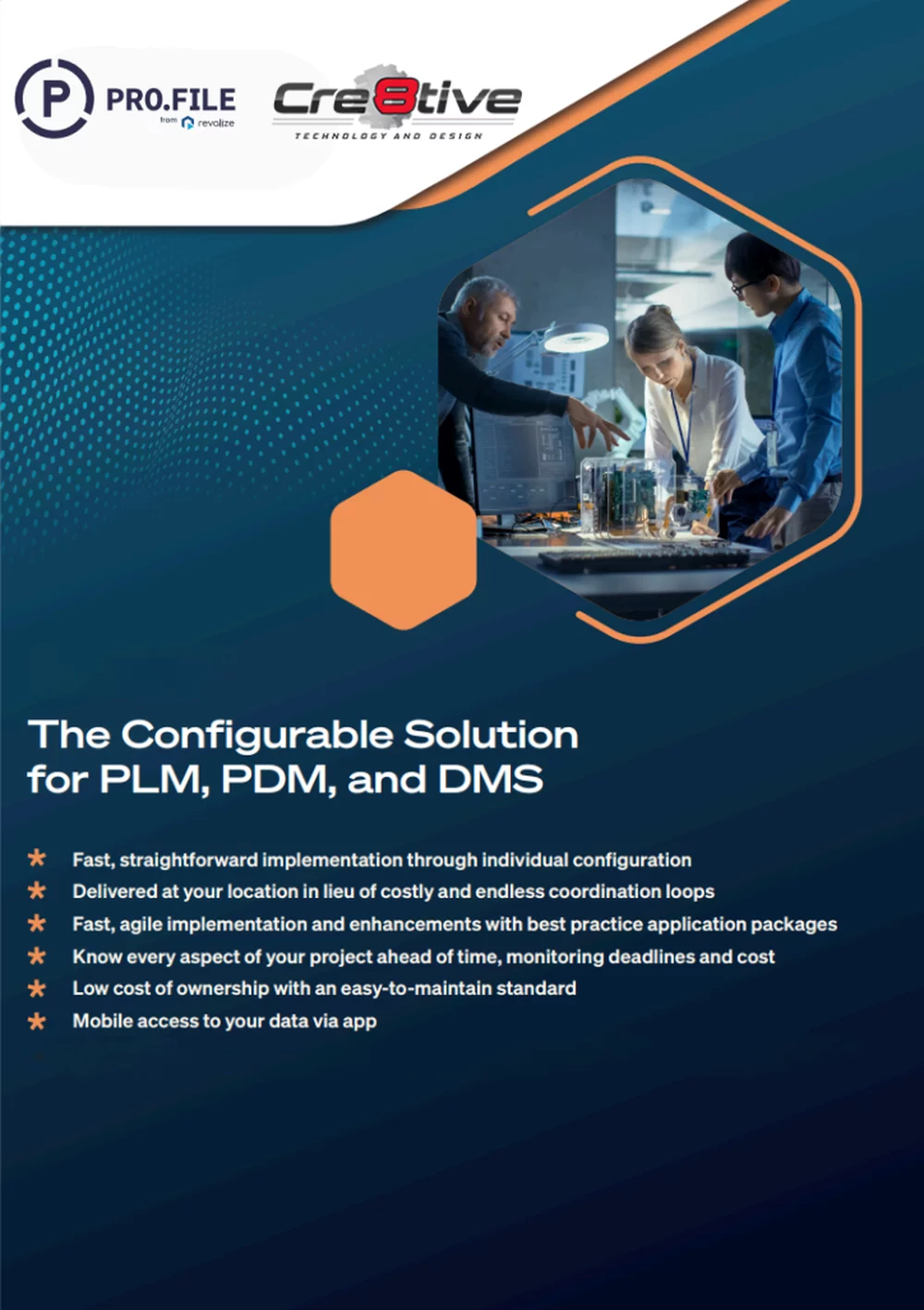
The configurable solution for PLM, PDM, and document management: features, benefits, and how it fits your business.

HOW CAN WE HELP?

Speak to a Professional

epicor-footer-2
Epicore Certified Partner
AIA-footer-2
layout-76
layout-43